Gear & Accessories for Galaxy Photography
Tripods, gimbals, microphones, lights, clip-on lenses, lens protectors and printers: what each one is for, whether your Galaxy already does the job without it, and what to check so it fits your phone. We compare gear on makers' published specs and Samsung's own documentation, and we say so when we haven't used something ourselves. We're an independent photography school, not Samsung.
If you buy one thing first
- A small tripod with a remote. It does the most for the least money: night shots, star photos, light trails, time-lapses and group photos you're in.
- A wireless microphone, if you film people talking. Clear sound matters more to viewers than sharper video.
- A small LED light, if you film or shoot products indoors after dark.
- A gimbal only if you film a lot while moving and need what Super Steady can't do: full resolution, Pro Video and Log, or the front camera.
- Clip-on lenses last, and on an Ultra probably never: its built-in telephotos and close-focusing ultrawide already cover most of what they add.
Keep the phone steady
For night shots, long exposures, time-lapses, group photos and smooth video: something to hold the phone, and a way to fire the shutter without touching it.
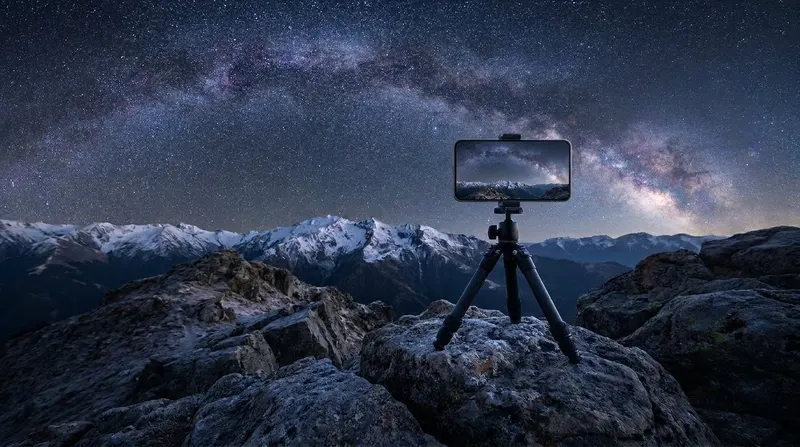
Tripods and phone mounts
Holds the phone still for Expert RAW astrophotography, light trails, 30-second Pro mode exposures, time-lapses and talking-to-camera video. A pocket tripod covers night shots; a full-height one with a remote covers group photos.
- Do you need it?
- Night mode handles a lot of city scenes hand-held, so you can skip it for casual night shots. Anything longer than a few seconds, and every star shot, needs one.
- Check before you buy:
- A clamp that opens wider than your phone in its case (a bare S26 Ultra is 78.1mm wide), a 1/4-20 thread and a remote. Galaxy S phones have no built-in magnets, so MagSafe-style mounts need a magnet case or a stick-on ring.
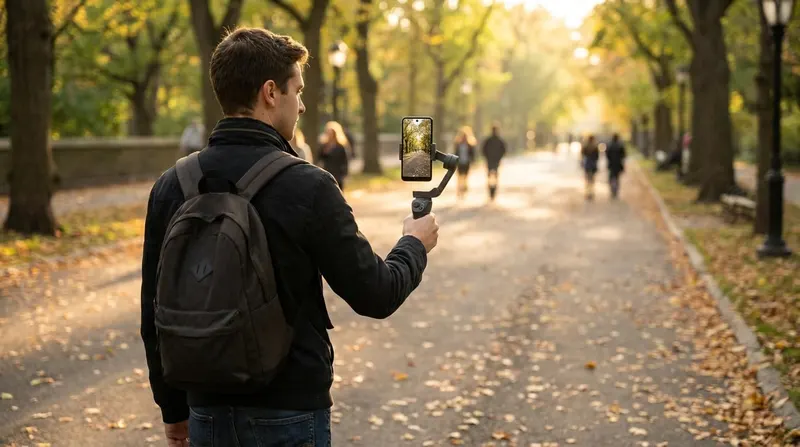
Gimbals
A motorised handle that keeps the phone level and smooth while you walk, pan or follow someone, usually with subject tracking and a fold-out extension rod.
- Do you need it?
- Super Steady already smooths walking video, but it records below full resolution, turns off HDR10+ and isn't available in Pro Video or with the front camera. A gimbal is for smooth full-resolution video, Log, front-camera vlogs and slow, controlled moves.
- Check before you buy:
- The weight and thickness limits with your case on (an S26 Ultra is 214g and 7.9mm bare), and whether tracking works in the Samsung Camera app. Apple's DockKit tracking is iPhone-only; on a Galaxy you need a clip-on tracker such as DJI's module or Insta360's AI Tracker.
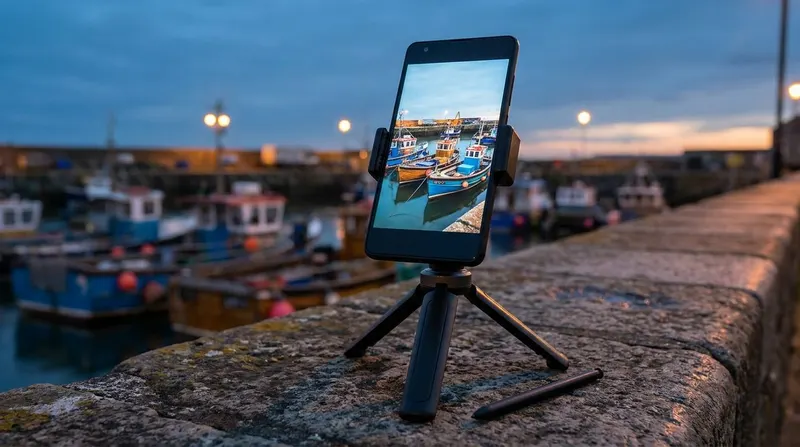
Remote shutters
Takes the photo without touching the phone, so a tripod shot doesn't shake and you can be in the group photo.
- Do you need it?
- Often no. The timer, voice commands ("Smile", "Capture"), Show palm and a Galaxy Watch's Camera Controller are all free. The S Pen is a remote on the S22 to S24 Ultra, but the S25 and S26 Ultra S Pens have no Bluetooth.
- Check before you buy:
- Most Bluetooth remotes act like a volume key, so set Camera settings › Shooting methods › Press Volume buttons to › Take picture.
Better sound
Viewers forgive soft video far more readily than bad sound. For anyone talking to the camera, a microphone does more than any lens.
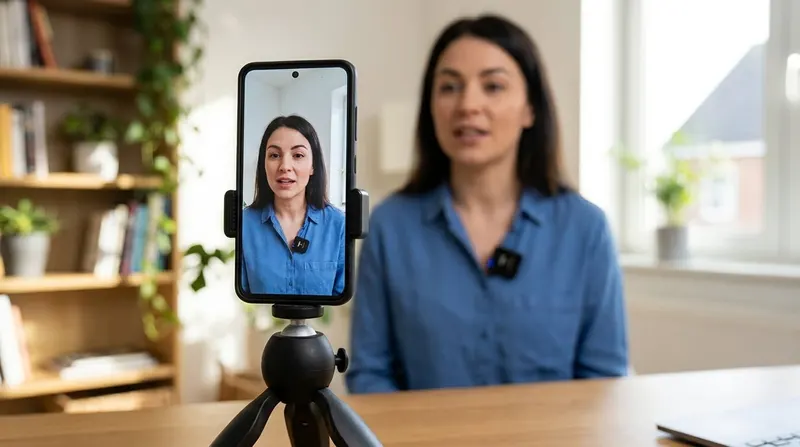
Wireless microphones
A small transmitter clips near the speaker's mouth and sends their voice to a receiver in the phone's USB-C port, or straight to the phone over Bluetooth on some newer kits.
- Do you need it?
- For vlogs, interviews, talks and anything filmed from more than an arm's length away. The phone's own mics pick up room echo, traffic and wind; Audio Eraser can clean some of that up afterwards, but it can't add a voice that wasn't recorded clearly.
- Check before you buy:
- A receiver that plugs into USB-C (Lightning versions won't fit). Samsung documents choosing a USB or Bluetooth mic in Pro Video, and DJI says its mics connected straight to the phone over Bluetooth don't record in the phone's own camera app, so use the receiver.
Light
Better light improves every photo more than any other accessory. Often it's free: a window, open shade or the last hour before sunset.
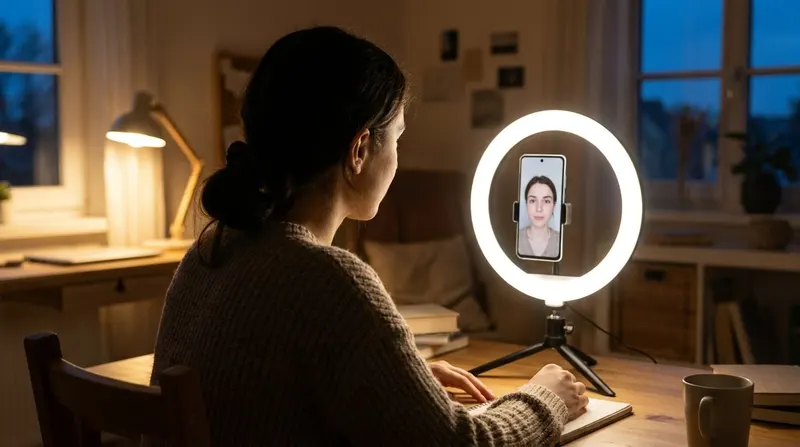
Phone lights and ring lights
Clip-on selfie lights, pocket LED panels and ring lights for faces, food, products and video in dim rooms.
- Do you need it?
- For video in dim rooms, video calls, night selfies and indoor product or food shots. Night mode can brighten a still photo, but it can't do much for moving video, and the phone's flash is harsh and flat.
- Check before you buy:
- CRI 95 or higher, adjustable colour temperature, brightness you can turn down, and the mount. No Galaxy S25, S26, Z Fold8 or Z Flip8 has built-in magnets, so a MagSafe-style light needs a magnet case or a stick-on ring.
Lenses, filters and protectors
What you put in front of the phone's cameras: add-on lenses and filters, and the protectors many people fit without thinking about the photos.
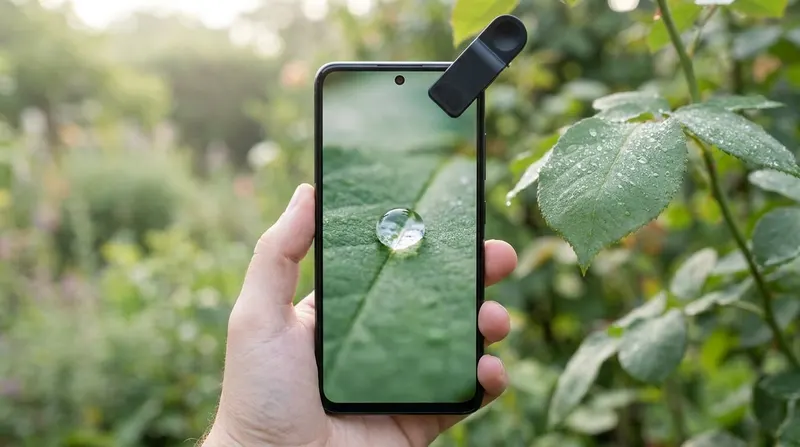
Clip-on lenses and filters
Extra glass in front of one camera: macro, wide, telephoto, fisheye and anamorphic lenses, plus ND and polarising filters for video and reflections.
- Do you need it?
- Less than you'd think on a Galaxy. Ultras already have optical 3x and 5x telephotos and an ultrawide that focuses close. The add-ons that still pay off are anamorphic lenses and ND or polarising filters for video, and a macro lens on phones with a weak close-up option.
- Check before you buy:
- That the lens stays over the right camera. The Camera app switches cameras by zoom, distance and light, so turn off Auto lens switching in Camera Assistant and Focus enhancer, or shoot in Pro mode. A case-mounted lens (Sandmarc, Freewell) stays aligned better than a clip.

Camera lens protectors
Glass covers, rings or plates that sit over the rear cameras to stop scratches.
- Do you need it?
- Possibly not. Samsung says a camera protector "may cause focus issues or light distortion", and a test on an S25 Ultra found lost detail in dim and backlit scenes. A case whose rim stands proud of the lenses protects them with nothing in front of the glass.
- Check before you buy:
- If you fit one, choose separate rings that leave the flash and the Ultra's laser autofocus sensor clear, keep it spotless, and compare a night shot of a street light with and without it.
Print and share
A photo you can hold. Small printers work straight from the phone over Wi-Fi or Bluetooth.
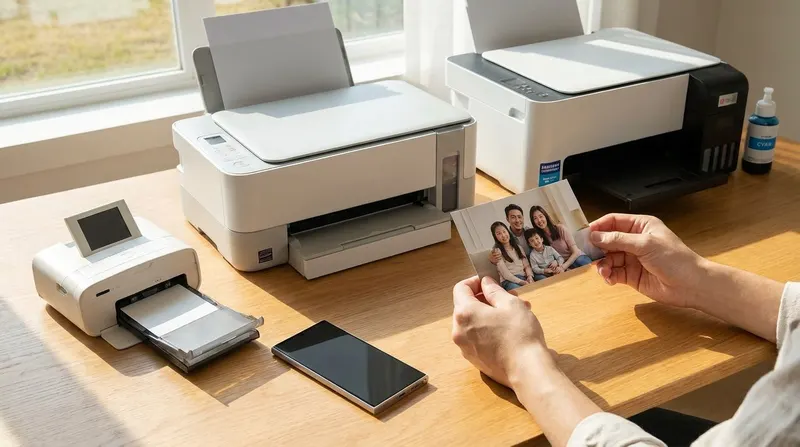
Photo printers
Pocket Zink and instant-film printers for stickers and party prints, dye-sublimation printers for 4x6 prints at home and photo inkjets for big prints.
- Do you need it?
- Only if you want prints at home. Online labs and many pharmacies print from your phone for less per print.
- Check before you buy:
- The print size you want, the cost per print (paper and ink or film), and that the maker's app is on Google Play and supports your phone.
Will it fit my phone?
Clamps, gimbals and tripod mounts list the phone widths and weights they take. Compare them with your phone's size below, and add a few millimetres and 30 to 60 grams for a case. Foldables only fit most clamps folded shut.
| Phone | Width | Thickness | Weight |
|---|---|---|---|
| Galaxy S26 Ultra | 78.1mm | 7.9mm | 214g |
| Galaxy S26+ | 75.8mm | 7.3mm | 190g |
| Galaxy S26 | 71.7mm | 7.2mm | 167g |
| Galaxy S25 Ultra | 77.6mm | 8.2mm | 218g |
| Galaxy Z Fold8 Ultra (folded) | 72.8mm | 8.9mm | 215g |
| Galaxy Z Fold8 (folded) | 81.9mm | 9.7mm | 201g |
| Galaxy Z Flip8 (open) | 75.4mm | 6.1mm | 180g |
From Samsung's spec pages, checked 12 November 2026. Phone gimbals typically take phones 170–300g (DJI) or 130–300g (Insta360) and up to 10mm thick including the case, so the S26 is just under DJI's minimum bare and the Z Fold8 leaves almost no room for a case.
Frequently asked questions
What accessories do I need for phone photography?+
None to start with: a Galaxy phone takes good photos on its own, and learning light and composition matters more than any add-on. The accessories that make the biggest difference are a small tripod (for night shots, long exposures and group photos), a wireless microphone if you film people talking, and a light for video indoors. Gimbals, clip-on lenses and printers are for specific jobs.
What's the best first accessory for a Samsung Galaxy phone?+
A small tripod with a phone clamp and a Bluetooth remote. It opens up Expert RAW astrophotography, light trails, long Pro mode exposures, time-lapses and group photos you're in, and it costs less than any other accessory here. Our tripod guide compares current models.
Do MagSafe accessories work with Samsung Galaxy phones?+
Not on their own. No Galaxy S25, S26, Z Fold8 or Z Flip8 has magnets built in, so MagSafe-style tripods, lights and grips need a magnet case (Samsung sells its own for the S26 series) or an adhesive magnetic ring stuck to the back of a hard case.
Do I need a gimbal if my Galaxy has Super Steady?+
Not for most walking video. Super Steady is very effective, but it records below the phone's full resolution, turns off HDR10+ and isn't available in Pro Video, so there's no Log or external-mic choice with it. If you want full-resolution video, Log footage or slow, controlled moves, a gimbal still does better. Our stabilisation guide explains the settings.
Can I plug an external microphone into a Samsung phone?+
Yes, through the USB-C port. Plug in a wireless kit's USB-C receiver, open Pro Video in the Camera app, tap the mic button and choose USB. Samsung documents the mic choice in Pro Video, not in normal Video mode. Our microphone guide covers which kits work and how to test them.
Do camera lens protectors affect photo quality?+
They can. Samsung says a camera protector or lens cover "may cause focus issues or light distortion", and Android Authority's test on a Galaxy S25 Ultra found lost detail and dynamic range in dim, backlit and high-contrast scenes. A smudged or dusty protector softens everything. Our lens protector guide explains how to test yours and what to use instead.
Gear helps. Knowing your camera helps more.
Samsung Photography Academy is a guided course of 60+ short 5-minute lessons on light, composition and the Galaxy camera app, recorded on the phone's own screen.
See the course